
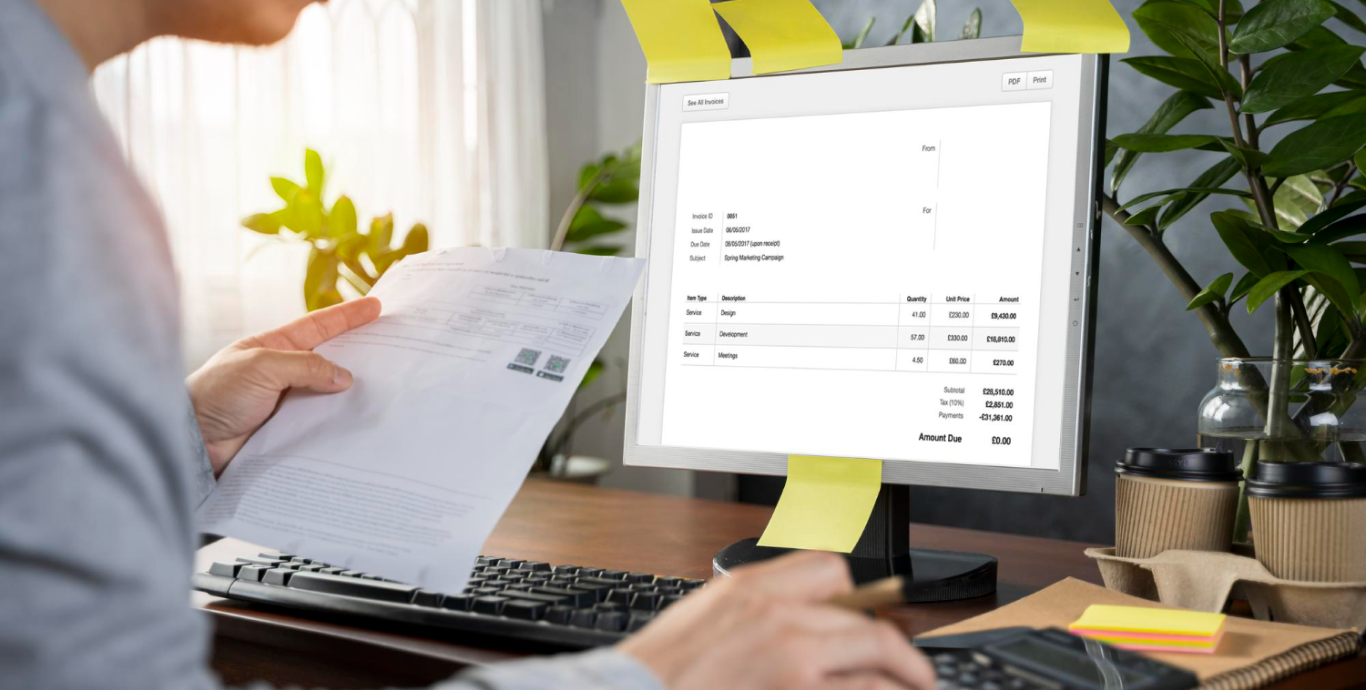
Every business has that one pain point that people just learn to live with. For us, it was Purchase Orders arriving as PDFs.
Our customers send us their orders as PDF documents-some scanned, some digitally generated, many a mixture of both. These orders are crucial to our business, but they also introduced chaos into our otherwise modern operations. Someone from the team would manually open each PDF, read through the contents, and then painstakingly enter the details into our ERP system, Acumatica, to create a Sales Order. It wasn’t efficient. It wasn’t scalable. Worst of all, it wasn’t immune to human error.
We decided it was time to stop living with the problem and start solving it.
The Problem We Set Out to Solve
- PDFs aren’t structured data.
- Humans reading PDFs get tired and make mistakes.
- Manual entry burns time better spent on higher-value work.
- Acumatica doesn’t natively understand PDFs.
We needed a solution that could convert these messy, inconsistent PDF POs into clean, accurate Sales Orders in Acumatica-with minimal human intervention.
The Journey to the Solution
We started by imagining how we wished the process worked:
- Upload the PDF.
- Let the system read it.
- Check for mistakes.
- Send it to Acumatica.

Simple for the user. Complicated under the hood.
How We Built It
Step 1: Accept the PDF
We built a simple interface in our system where users can drag-and-drop or upload their PDF Purchase Orders.
Step 2: Extract the Data
Once uploaded, the PDF is sent to an OCR engine. This converts the visual data into structured, machine-readable text. The OCR scans for key fields: PO Number, Dates, Item Codes, Quantities, Prices, etc.
Step 3: Validate with Confidence
We designed an interface that shows the extracted data alongside a confidence percentage. This tells the user how sure the system is about each piece of extracted information.
For example:
| Field | Extracted Value | Confidence |
| PO Number | PO-12345 | 98% |
| Customer Name | Acme Inc. | 91% |
| Item Code | XZY-100 | 79% |
Users can easily spot potential mistakes (low confidence values) and make corrections before proceeding.
Step 4: Curate & Confirm
Any corrections the user makes are saved to improve the system over time. Once reviewed, the user clicks “Confirm.”
Step 5: Create Sales Order in Acumatica
Our tool then seamlessly sends the cleaned, verified data to Acumatica’s API, automatically creating the Sales Order. No double-entry. No mistakes.
The Outcome
What used to take hours now takes minutes. Errors are caught before they reach Acumatica. Teams are free from mind-numbing data entry. Customers get faster responses. Our business runs smoother.
Why This Matters
This solution isn’t just about efficiency. It’s about removing friction from everyday work, empowering people to focus on what really matters, and letting technology do what it does best.
We turned a chaotic, manual process into a streamlined, reliable one-with a simple, elegant user experience driving it all.
And that’s a story worth sharing.
We’ve helped businesses eliminate manual PDF processing and scale effortlessly in Acumatica. Book your free consultation to see how we can help your team too.
